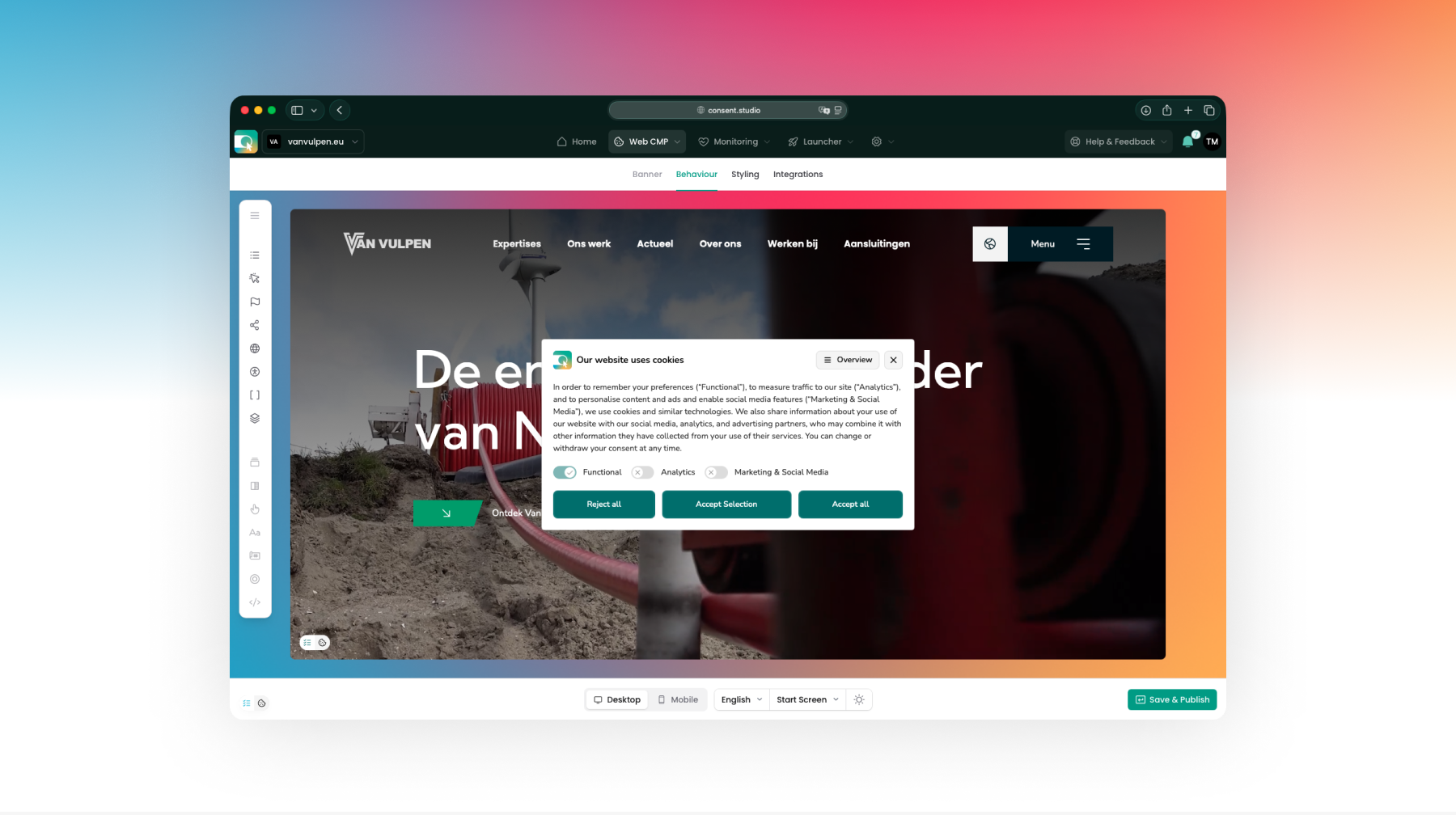
Give any banner button its own full-width row on phones
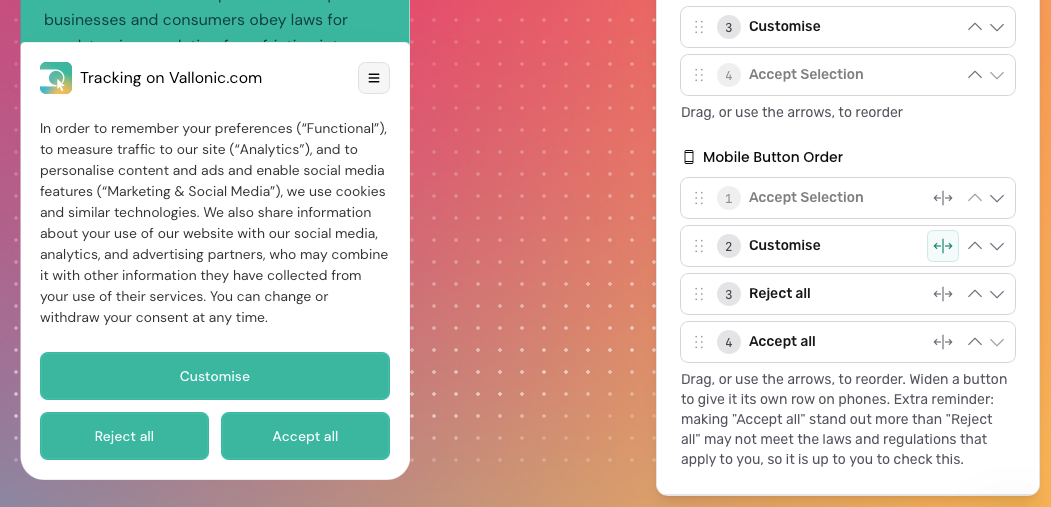
On phones, you can now choose which consent buttons get a row of their own. Next to each button in Mobile Button Order there is a new widen icon: switch it on and that button spans the full width of the banner, while the buttons around it stay side by side. For example, put Accept all first and widen it to show it on top, with Reject all and Accept selection next to each other underneath.
You can find Mobile Button Order under Banner Buttons on the Behaviour page via Banner → Behaviour → Banner Buttons. Switch the editor preview to Mobile to see the result straight away.
This is only available on the New (beta) engine. Existing banners keep their current layout until you change it; new domains start with every button on its own row.
Full documentation:
https://learn.consent.studio/articles/9913654-banner-button-order