Wix Integration + Wix Consent Policy API

You can now install your consent banner on your Wix site without touching any code and leverage our no-code Wix Consent Policy API integration.
1. Automatic deployment on Wix
In order to enable automatic deployment, open the Installation guide by expanding the Web CMP dropdown in the Consent Studio dashboard and opening the Tailored Installation Guide.
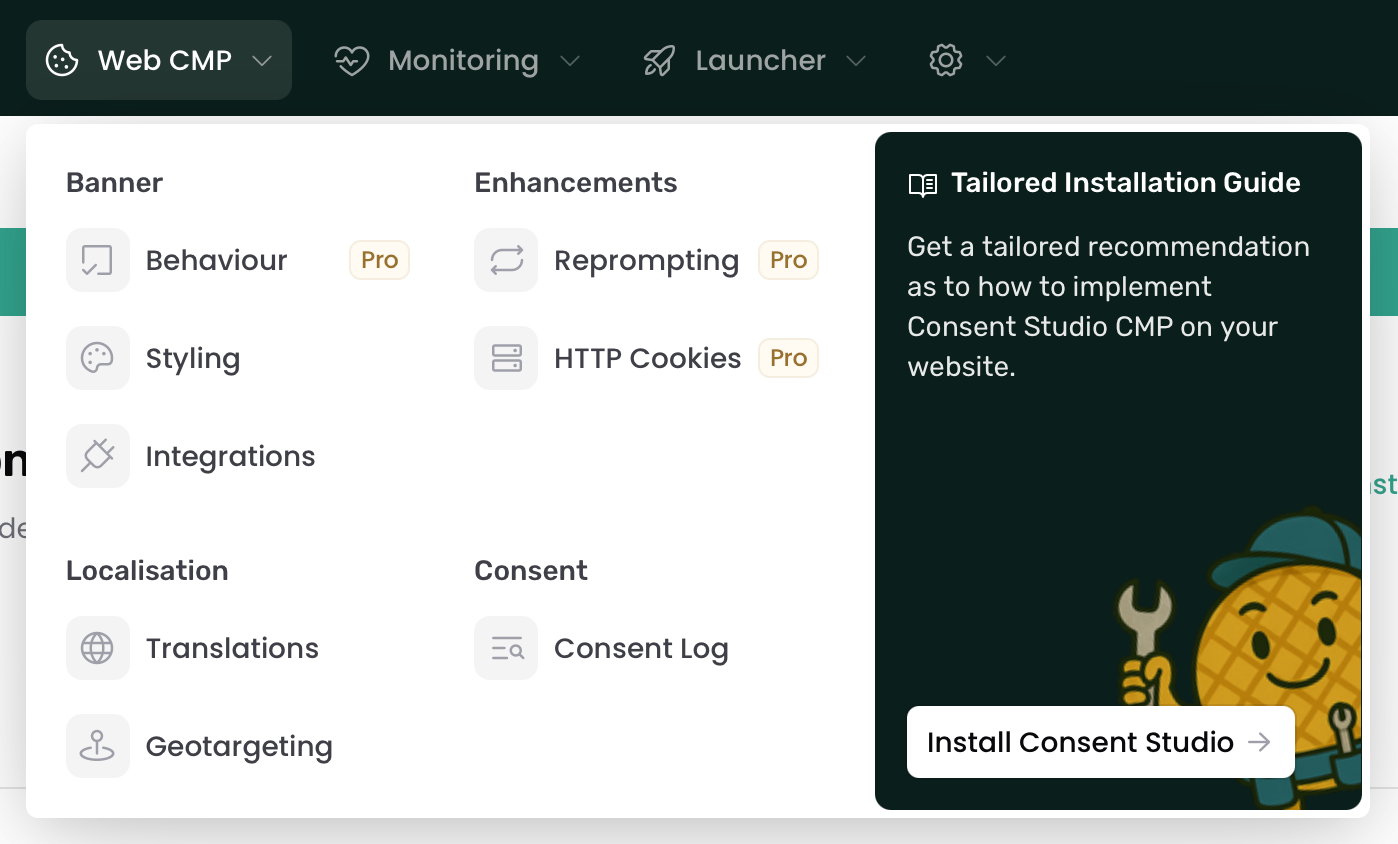
You will be asked a few questions about your current configuration, which will make sure our dynamic guide presents you an installation path that’s balanced between ease of use and getting the best results.
The Wix recommendation features a guided set-up. Log in with your Wix account and make sure that your site is registered within the Consent Studio dashboard.
2. Wix Consent Policy API
On top of that, regardless of your installation route, Consent Studio now also supports the Wix Consent Policy API. We will fire the right commands to your website before and after consent states get parsed, making sure that the Wix platform is informed at all times about the most up-to-date correct consent signals.
Resources and thank you
Refer to the following resources for more information and detailed guides:
Thank you for your continued trust in Consent Studio. We look forward to continuing to receive your feedback in our feedback portal and our support team is always ready to help you.