Naar hoofdinhoud

Updates

Volg nieuwe updates en verbeteringen van Consent Studio.

Give any banner button its own full-width row on phones
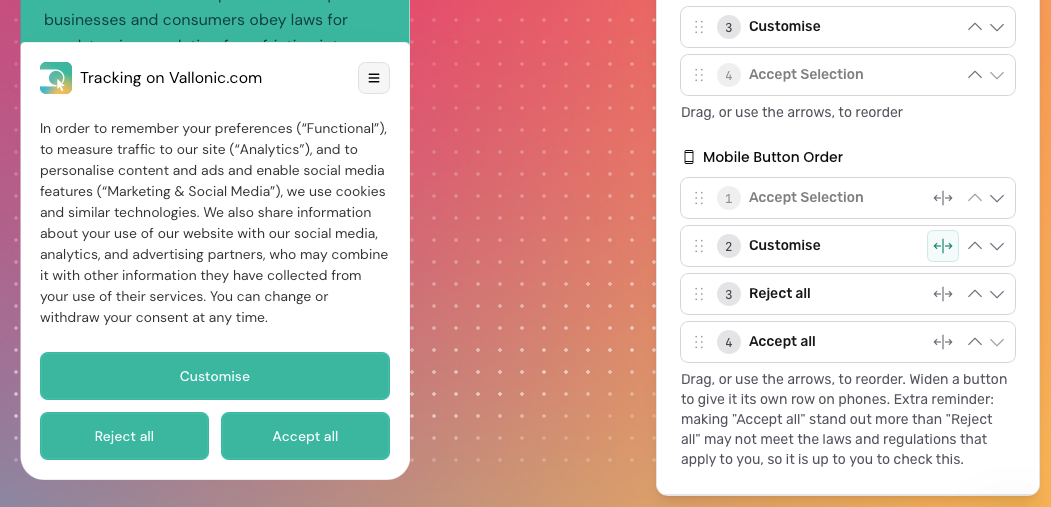
On phones, you can now choose which consent buttons get a row of their own. Next to each button in Mobile Button Order there is a new widen icon: switch it on and that button spans the full width of the banner, while the buttons around it stay side by side. For example, put Accept all first and widen it to show it on top, with Reject all and Accept selection next to each other underneath.

You can find Mobile Button Order under Banner Buttons on the Behaviour page via Banner → Behaviour → Banner Buttons. Switch the editor preview to Mobile to see the result straight away.

This is only available on the New (beta) engine. Existing banners keep their current layout until you change it; new domains start with every button on its own row.

Full documentation:
https://learn.consent.studio/articles/9913654-banner-button-order
Improved

Web Bot Auth for Consent Studio Monitoring

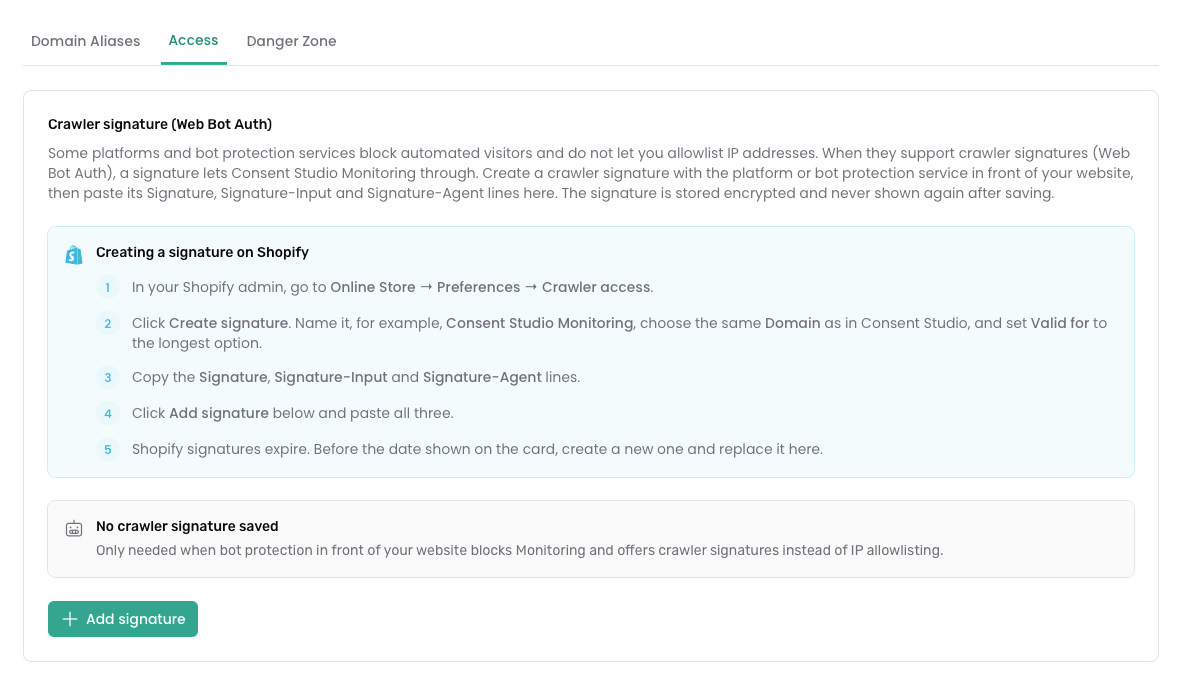
Consent Studio Monitoring now supports Web Bot Auth. Shopify and other platforms that use bot protection increasingly expect crawlers to prove who they are with Web Bot Auth (crawler signatures), instead of IP allowlists. Consent Studio Monitoring can now use those signatures.

How does it work?

In short, you can now create a crawler signature in Shopify (or your platform), add it in Consent Studio, and Monitoring authenticates the way the store expects. No IP allowlist required.

You’ll find it on the Domain Settings page, in a new tab called Access.

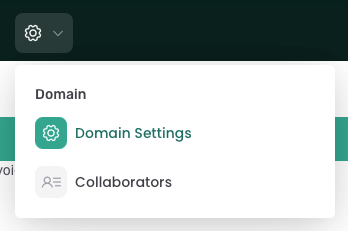
To freshen up: the Domain Settings page can be reached through the gear icon in the top bar.

Testing your signature

Use Test access to confirm Monitoring can reach your site; and check status to see whether access is working. Basic Authentication for password-protected sites is on the same tab.

Full step-by-step guide, with Shopify as an example: Web Bot Auth.

Other improvements in this batch

  • When you install Consent Studio on Shopify, the wizard now includes a clear Monitoring access step, so you set up Web Bot Auth when you need it for scans on bot-protected stores.

  • When Monitoring can’t reach a site, messages are clearer about why (including Shopify bot protection and a rejected crawler signature), with links straight to Access settings.

  • You’ll also get a reminder when a signature is due for renewal.

  • We’ve also made a few reliability and security improvements around how Monitoring authenticates to your site, and fixed email preferences for recommendation digests so they’re respected correctly.

We thank you for your feedback and your trust in The Full Consent Stack.

On behalf of the team,

Thierry Maasdam, Head of Product

New

New Banner Editing Experience

Hi there,

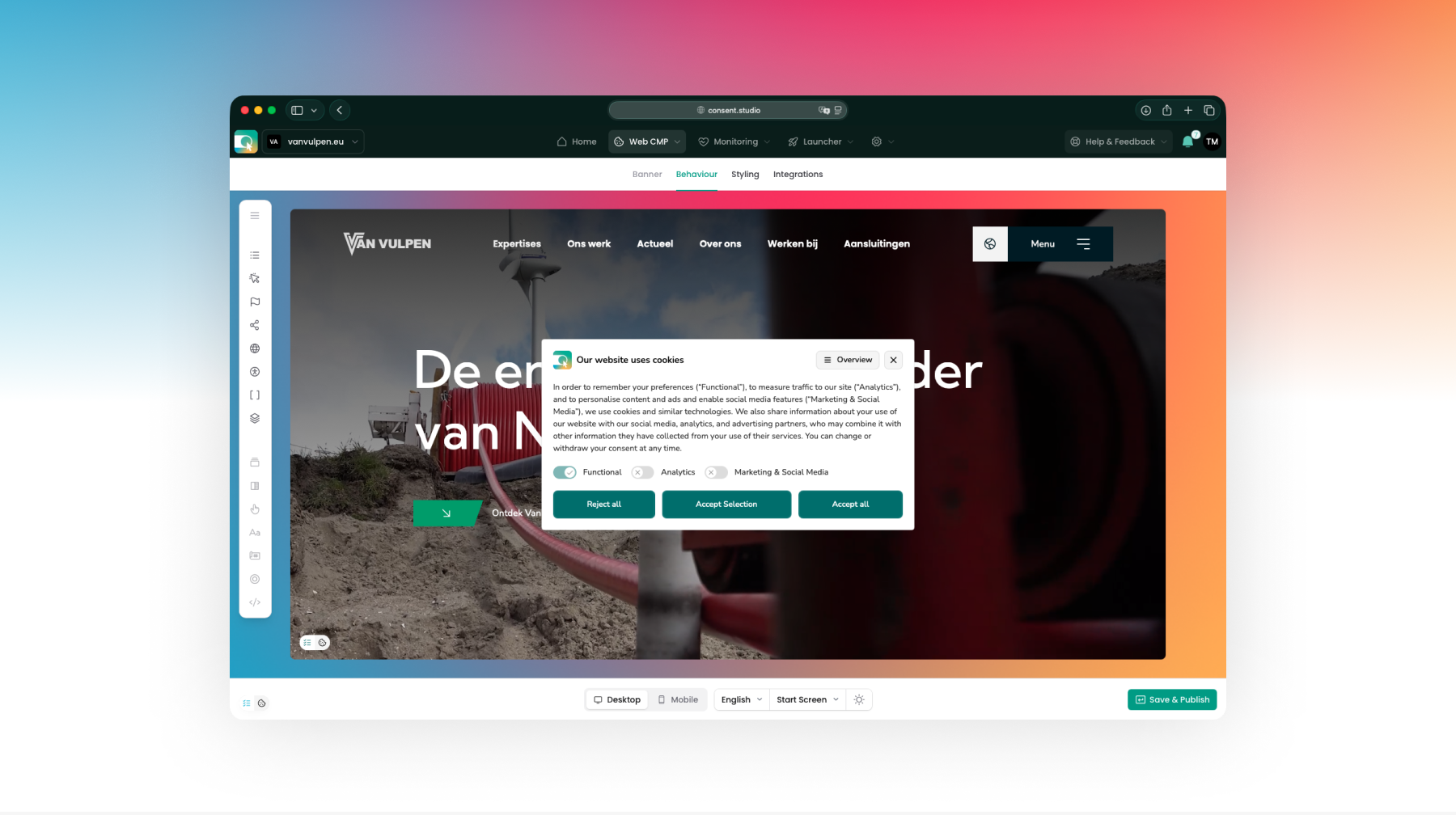
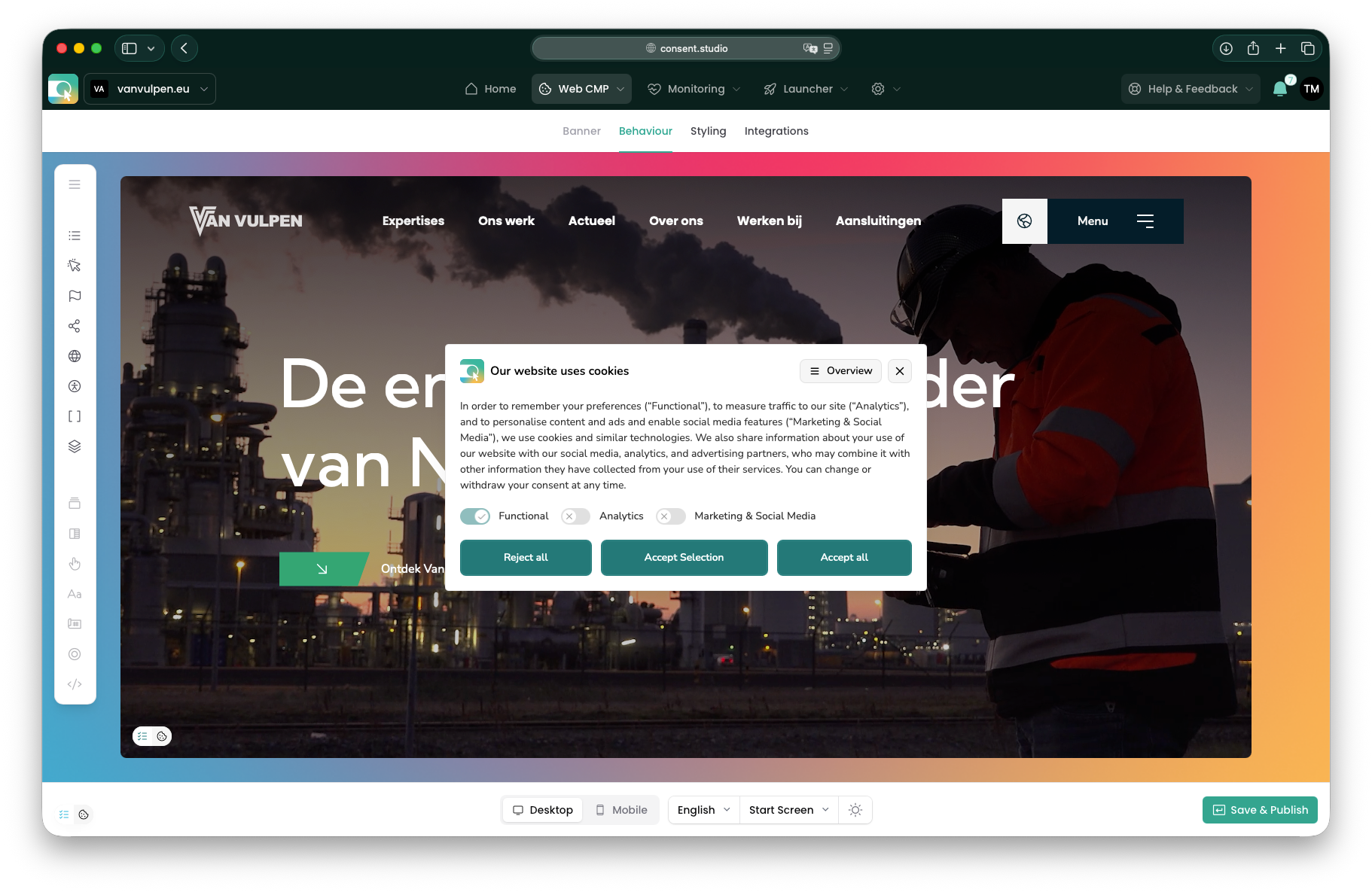
We’re excited to share with you that we have rebuilt the consent banner editing experience in Consent Studio.

You can now preview how your website and your consent banner will work together as accurately as possible on both desktop and mobile, and spot styling conflicts before your website’s visitors do.

(After all, helping you to be the first to know what’s up, is what Consent Studio is all about!)

To help you discover all the compliance settings in your Consent Studio Web CMP banner’s arsenal, we have also made it easier to switch between Behaviour and Styling settings and see what’s where.

Rest assured: you can still preview languages, screens (start screen, overview) and color modes (light, dark, auto).

We are really eager to learn from your first experiences with this new editing experience and look forward to receiving your feedback.

Thank you for your time and for your trust in The Full Consent Stack!

Improved

Eerdere updates